Muse vs Grok Bot vs Dots
Three ways to hand off everyday work. Compare the access, tools, memory and permissions that matter for your first pilot.
Documented differences. No completed native comparison. None of these three products has a completed uAgentKit product case. The suggestions below help choose a first pilot; they do not establish a winner in accuracy, speed, cost or safety.
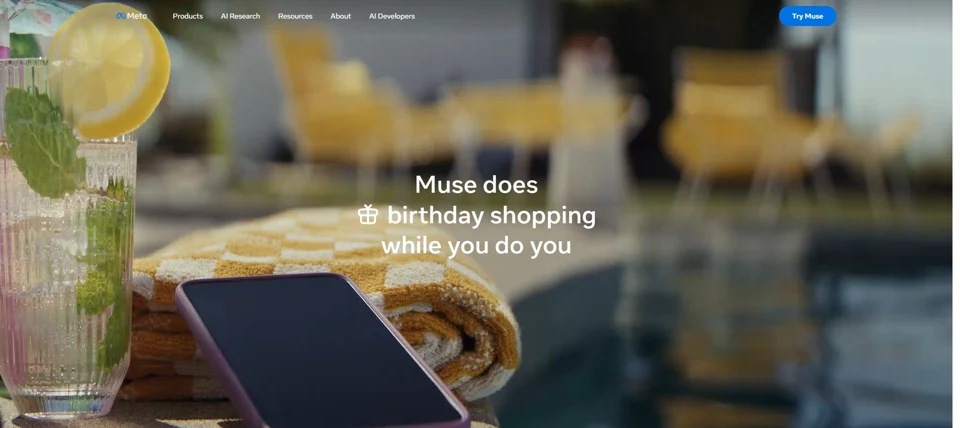

Muse
Meta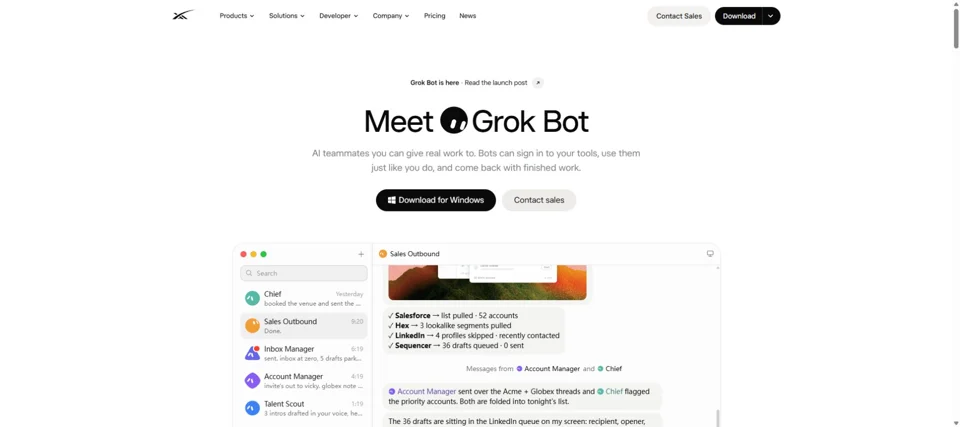

Grok Bot
SpaceXAI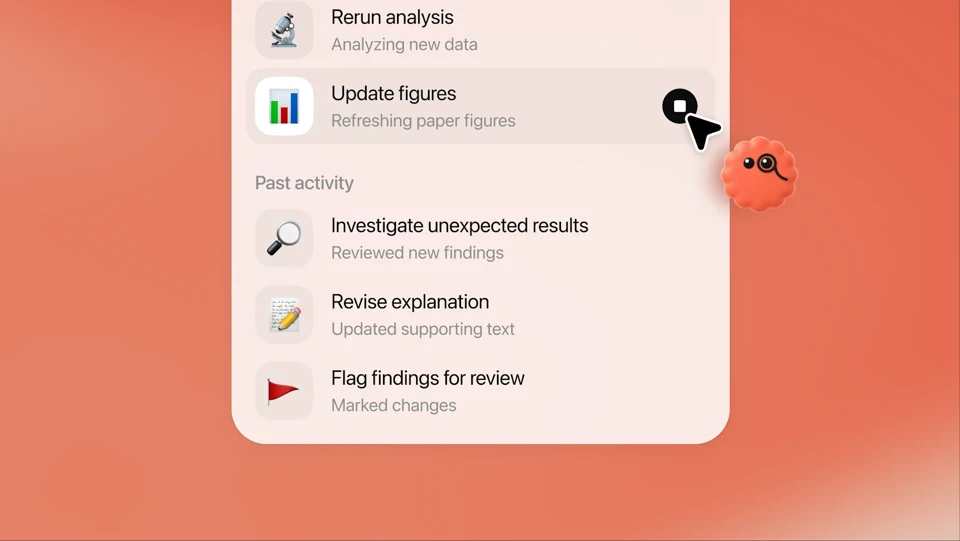

Dots
OpenAIWhich one should I explore first?
Choose a documented workflow and verify access before giving an assistant responsibility.
I want a personal assistant through WhatsApp.
Start by checking Muse. Its official page documents WhatsApp, mobile and Mac access, with a limited free allowance for an initial draft task.
Confirm regional access and free limits. Begin with an errands plan and review connection permissions.
Source 1Source 2Read the profileI want named teammates and repeatable routines.
Start by checking Grok Bot if you already have an eligible plan. Its docs describe persistent Bots, files, browser work and reusable skills or routines.
Same-user Bots share a computer and sessions. Review that shared environment before splitting personal and work roles.
Source 1Source 2Read the profileI want ongoing work inside ChatGPT.
Start by checking Dots if your existing account is eligible. Its sources describe project continuity, memory and creator drafts such as show notes and social copy.
Check plan, region and completed rollout. Keep local-computer access off for the first synthetic draft pilot.
Source 1Source 2Read the profileCompare the same questions
Every cell links to the reviewed official material. Vendor descriptions have not been independently validated through native use.
| Selection question | Muse | Grok Bot | Dots |
|---|---|---|---|
| What is a sensible first workflow? | Muse Personal errands, research and email or calendar proposals, with a clear draft boundary. Source 1 | Grok Bot A named teammate for recurring research or administrative work, with files, tools and routines. Source 1 | Dots An ongoing project or creator brief in ChatGPT, with show notes and social drafts for review. Source 1Source 2 |
| Where can I talk to it? | Muse Mobile app, Mac app and WhatsApp. Source 1 | Grok Bot Docs list macOS, Windows, Linux, iOS and Android. Confirm the client available to your account. Source 1 | Dots Create on desktop web or the ChatGPT desktop app. Mobile-app conversation follows setup; mobile web is unsupported. Source 1 |
| What tools and app access are described? | Muse A personal cloud computer with a browser and connected apps under chosen permissions. Source 1 | Grok Bot Cloud browser, files, terminal and connectors. A browser can work with services that lack a connector. Source 1 | Dots Its own cloud computer and connected ChatGPT apps. Local-computer access is optional and starts off. Source 1 |
| How does context carry over? | Muse Meta describes remembered personal preferences and says you can ask Muse to forget specific things it learned. Source 1 | Grok Bot Bot-specific conversations and learned context coexist with shared computer files, browser sessions and logins. Separate names do not isolate the computer. Source 1 | Dots Uses ChatGPT memories and can form its own. Disconnecting an app does not erase acquired information; reset deletes the dot, memories, conversations and scheduled tasks. Source 1 |
| What can continue between conversations? | Muse Meta describes background tasks continuing after you close the app. Source 1 | Grok Bot Documented skills can repeat demonstrated steps, and routines can run on a schedule. Source 1 | Dots Ongoing work, scheduled checks and proactive research. The launch describes proactive research using read-only tools. Source 1Source 2 |
| What is the documented access model? | Muse Limited free usage, with an optional paid upgrade for more usage. Connected-service purchases cost extra. Source 1 | Grok Bot Included through eligible paid Cursor, SuperGrok or team plans, with weekly usage and additional token billing. Source 1 | Dots The first dot is included in eligible Pro or Business Premium plans at no extra cost. Codex and ChatGPT Work tasks still use their normal limits. Source 1Source 2 |
| Which availability conditions are documented? | Muse The launch describes a US rollout. Check your account and region before preparing a pilot. Source 1 | Grok Bot Access is tied to an eligible subscription and client. The landing page includes individual and team-plan routes. Source 1Source 2 | Dots Pro rollout excludes the EEA, Switzerland and UK. Business Premium covers supported ChatGPT regions; Enterprise beta needs admin enablement. Account rollout is gradual. Source 1 |
| How are external actions reviewed? | Muse Permissions can allow an action once, always allow it, or deny it. Review persistent rules for every connection. Source 1 | Grok Bot Configurable approvals and model-based Auto Review. Inspect action boundaries and the shared computer before adding accounts. Source 1 | Dots Custom rules can allow autonomous, pre-approved, confirmation or handoff behavior. Automatic review does not mean every action waits for a human. Source 1Source 2 |
| What data boundary deserves attention? | Muse Personal cloud-computer context and individually authorized app access. Confirm exactly what each connection can read or change. Source 1 | Grok Bot All Bots under one user share a cloud computer. Deleting a Bot does not remove shared files or browser sessions. Source 1Source 2 | Dots Local-computer access is off by default; enabling it widens file and task access. App disconnection retains information already acquired. Source 1 |
Compare access cost before total cost
Muse documents limited free usage and an optional upgrade. Grok Bot uses eligible paid host plans. The first dot is included in eligible paid ChatGPT plans. These offers describe different access models; they do not establish the cheapest way to complete the same task.
Check the subscription you already hold, the included work allowance, any extra usage, connected-service purchases and your review time. A free allowance or an included agent does not make every task free. Exact unverified amounts and limits are kept below.
Review boundaries before connecting apps
All three vendors document approval controls. Persistent “always allow” settings, automated review and connected sessions matter as much as the current instruction. Do not assume that every email, purchase or post pauses for a human.
Separate names do not isolate Grok Bots
Same-user Bots share files, browser sessions and logins. Deleting one Bot leaves shared-computer data and sessions in place.
Source 1Source 2Disconnecting an app does not erase Dots memory
The help article says previously obtained information remains. Resetting deletes the dot and its conversations, saved memories and scheduled tasks.
Source 1Muse permissions can persist
Its FAQ describes allow once, always allow and deny choices. Inspect each connection’s default rules before extending a pilot beyond drafts.
Source 1What still needs confirmation?
Unverified prices, limits, entitlement and native behavior
Muse
- Current paid amount, exact free allowance and refresh interval.
- Current eligibility beyond the documented US launch.
- Exact native connector scopes and availability for the selected account.
Grok Bot
- Standalone product price, exact weekly allowance and overage rate.
- Selected plan, device and regional eligibility.
- The landing’s host-plan examples are not a standalone Bot quote or total operating cost.
Dots
- Exact deeper-work allowance, post-launch limits and total host-plan cost.
- Current Teams entitlement and exact channel rollout for your account.
- Native permission and memory behavior under real connected-app use.
For all three: native accuracy, latency, total task cost, approval reliability, actual connector behavior and independent security or professional review remain unverified. A documentation gap does not mean a capability is absent.
Unexecuted product plans and a future common-task comparison
All six product-specific cases are unexecuted. Their inputs and tasks differ, so they are not an existing same-task benchmark.
- Muse: view the two unexecuted plans
- Grok Bot: view the two unexecuted plans
- Dots: view the two unexecuted plans
A future measured comparison needs one frozen synthetic admin brief, the same draft-only action scope, first outputs retained without repair, and disclosed versions, account eligibility, usage and cost conditions. Source access and website checks cannot substitute for native execution.
Read the testing method →Questions before choosing
Which personal assistant should I try first?
Choose the entry point that fits a task and an existing eligible account: Muse for documented WhatsApp access and a limited free allowance, Grok Bot for persistent named teammates and routines, or Dots for ongoing work and creator drafts inside ChatGPT. These are documentation-based pilot suggestions, not measured quality rankings.
Which of Muse, Grok Bot and Dots is cheapest?
The full cost has not been established. Muse documents limited free usage; Grok Bot is accessed through eligible paid host plans; the first Dots agent is included in eligible Pro or Business Premium plans. Compare the actual subscription, allowance, overage, connected services and review cost before deciding.
Does this comparison prove which assistant is safer?
No. Official approval and privacy documentation describes intended controls. uAgentKit has not completed a native permission or security test of these products. Inspect persistent approval rules, shared sessions, local-computer access and retained memories before connecting data.
Can these assistants run my store or social accounts automatically?
General app access does not establish a native Shopify, Amazon or social publishing integration. This guide recommends reviewable drafts. Verify the exact connector, account scope, publishing or purchase authority and applicable terms before adding any external action.
Have these three assistants been tested on the same task?
No. All six currently defined product-specific cases remain unexecuted, and their tasks differ. A future measured comparison needs one frozen common task, retained first outputs, the same action boundaries, and disclosed account, model, usage and cost conditions.
Official sources and editorial scope
This comparison uses the eight official sources reviewed for the three profiles on 2026-10-06. Follow the cited page for the exact claim and confirm current eligibility. Source-access limitations are retained in each profile’s technical checks.
- Official Muse features and FAQ
Meta · ai.meta.com · Read · 2026-10-06
- Official Muse launch, availability and permission model
Meta · about.fb.com · Read · 2026-10-06
- Official Grok Bot product, access and pricing
SpaceXAI · x.ai · Read · 2026-10-06
- Official Grok Bot architecture, clients and shared computer
SpaceXAI · docs.x.ai · Read · 2026-10-06
- Official Grok Bot approval and privacy guidance
SpaceXAI · docs.x.ai · Read · 2026-10-06
- Official Dots features and creator examples
OpenAI · chatgpt.com · Read · 2026-10-06
- Getting started: plans, regions, devices, memory and controls
OpenAI · help.openai.com · Read · 2026-10-06
- Official Dots launch and action-review model
OpenAI · openai.com · Read · 2026-10-06
Personal-assistant scope only: Muse’s small-business offering and dedicated organizational dots require separate reviews. A general agent’s tools do not establish native commerce integrations, automatic social publishing or suitability for medical, legal or investment decisions.