 uAgentKit
Photopea
Profiles and official sources grouped for Photopea, with historical individual-developer attribution. Current team size, legal operator and controlling ownership remain unknown.
In an official post dated 14 December 2017, Ivan Kutskir described himself as Photopea’s only developer. This establishes its individual-developer origin at that time. This page groups the editor’s profile and official sources; current team size, legal operator and controlling ownership remain unknown. The profile distinguishes documented editing features from two prepared, unexecuted background-removal cases.

Photopea background-removal tests: the synthetic bottle passed 6/6 conditions; the mug passed 3/6 and failed overall. Inspect first PNGs, method and limits.
What does Photopea offer in this directory?
Use this page to connect the products attributed to Photopea with their documented roles, source records and alternatives for the same task. Coverage is limited to the profiles below; it is not a complete inventory of the vendor’s business.
Photopea →
Consider for: Individuals, freelancers, creators and small sellers who want a browser editor for occasional product images and graphics, can use a mouse and keyboard, and will review the cutout and exported file before publishing.
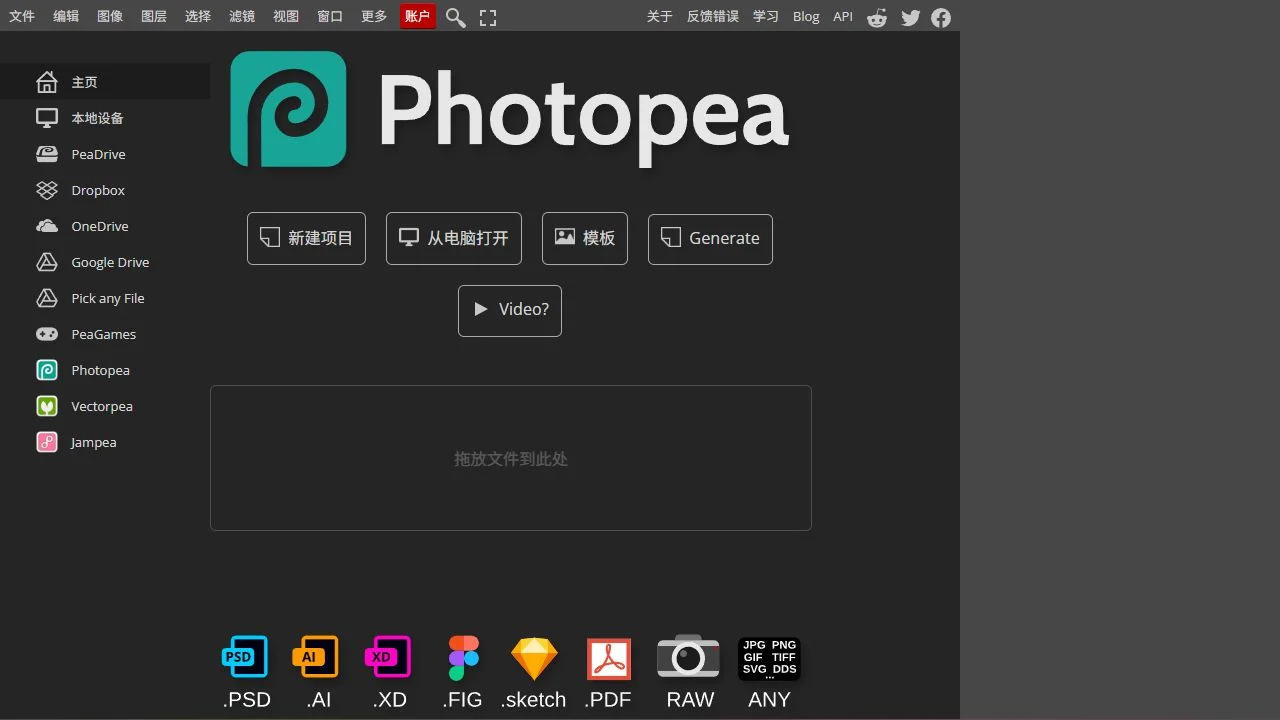
Documented role: The official editor page advertises layers, masks, full PSD support, one-click background removal and replacement from a text description. Official evidence ↗
- Setup
- The editor is opened at photopea.com in a web browser; the official introduction recommends a large screen, precise pointing device and keyboard for comfort. Official ordinary-editing documentation says opened files are processed on the user's device. The embedding API separately describes optional third-party Dezgo configuration for Magic Replace and Remove BG, including a key and request URL. The observed native workflow was Open from URL, Select > Remove BG, and first PNG export. Provider, network processing, model, credits and current build remain unobserved; ordinary editing documentation does not establish local/private AI processing. The 22 April 2024 Photopea 5.6 post is a dated release reference, not the recorded current native version.
- Cost conditions
- Official Terms Of Use allow use for any purpose for free when an action is offered without a payment request. The same page describes optional Premium as a one-time payment for a defined period, after which the account returns to free. The two recorded native Remove BG operations completed without checkout or upgrade. Current Premium amount, currency, AI allowance and general account/credit availability remain unverified. The browser embedding API is documented as free, with separate distributor/whitelabel options; an AI provider, API key or credit arrangement can have separate conditions. Pricing evidence →
- Source review
- 2026-10-03. This is the profile’s recorded source date, not a new product test.
Choose by the job you need done
A shared task is a starting point for comparison. Candidates can differ in inputs, permissions and output, and this list does not rank their performance.
Product images →
Expected output: Reviewed product images for a listing or campaign.
Covered here: Photopea.
Decision checkpoint: Check product fidelity, licenses, captions, and export conditions.
Photopea official source library
Follow the original documentation to check the exact product, plan and terms. Source access and review dates are retained per record; a vendor’s statement is not an independent performance result.
- Official Photopea editor features and small-business uses
Photopea · www.photopea.com · Read · 2026-10-02T20:46:17.366026+00:00
- Official Photopea introduction, browser workflow and recommended controls
Photopea · www.photopea.com · Read · 2026-10-02T20:46:17.366805+00:00
- Official Photopea Terms Of Use, privacy and optional cloud storage
Photopea · www.photopea.com · Read · 2026-10-02T20:46:55.388617+00:00
- Official Photopea browser embedding API and third-party AI configuration
Photopea · www.photopea.com · Read · 2026-10-02T20:47:36.917650+00:00
- Official Photopea Smart Tools and manual healing guidance
Photopea · www.photopea.com · Read · 2026-10-02T20:47:36.918313+00:00
- Ivan Kutskir's official 14 December 2017 Photopea creator account
Ivan Kutskir / Photopea · blog.photopea.com · Read · 2026-10-02T20:48:10.937324+00:00
- Official Photopea 5.6 release post dated 22 April 2024
Photopea · blog.photopea.com · Read · 2026-10-02T20:48:10.938191+00:00
- Official Photopea background removal and transparent PNG tutorial
Photopea · www.photopea.com · Read · 2026-10-02T20:48:56.079150+00:00
- Official 19 August 2024 single-click Remove BG and PNG workflow
Photopea · www.photopea.com · Read · 2026-10-02T20:49:24.491336+00:00
This grouping records the vendor or creator attached to each product profile. It does not verify company registration, ownership, staff count or a partnership with uAgentKit unless a specific cited statement above establishes that fact. Report a relationship or source correction →